Give your eyes an anchor on every word.

Lead Letters bolds the start of each word on any website. Your eyes get a clear place to land, and your brain fills in the rest.

Add to Chrome, it’s free

Free · No ads · No tracking · Works in Chrome and other Chromium browsers
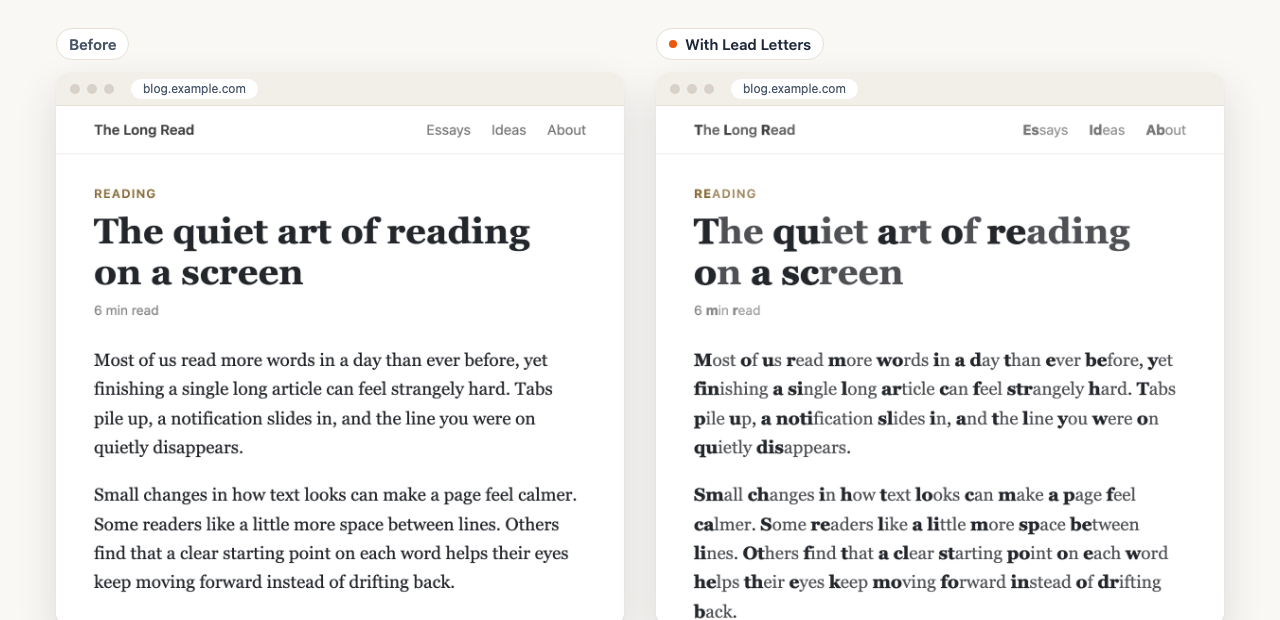
The same article without and with Lead Letters: on the right, the first letters of every word are bold.

Made to feel calm, not clever

Turn it on once and every page you read is formatted, including text that loads as you scroll. Turn it off and the page goes back exactly as it was.

Tune it to you

Choose how much of each word is bold, how heavy it looks, and how much the rest fades.

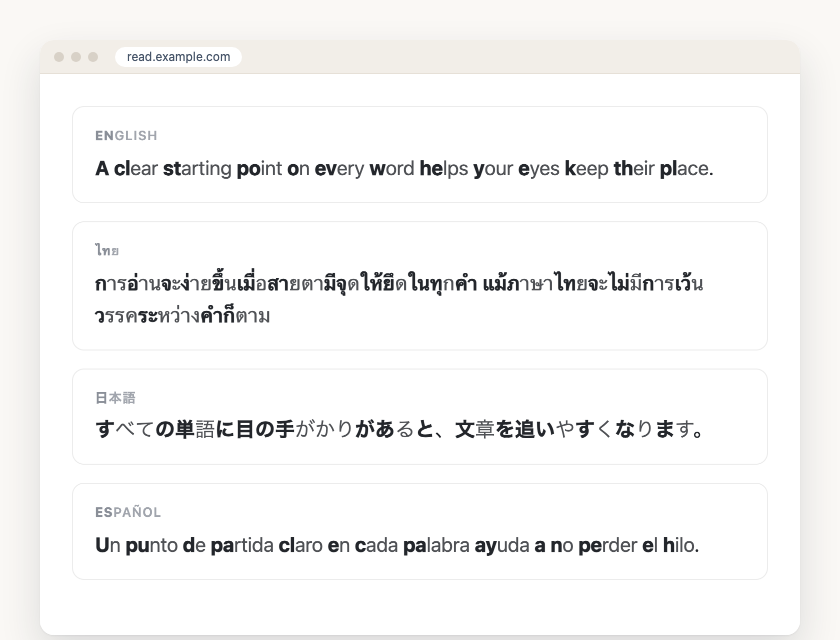
Every language

Finds real words even in Thai, Japanese and Chinese, which don’t use spaces. Accents and tone marks stay whole.

Off when you want

One click turns it off for a site. Alt+Shift+B toggles it everywhere.

Doesn’t break pages

Leaves code, forms and editors alone, and keeps modern web apps working normally.

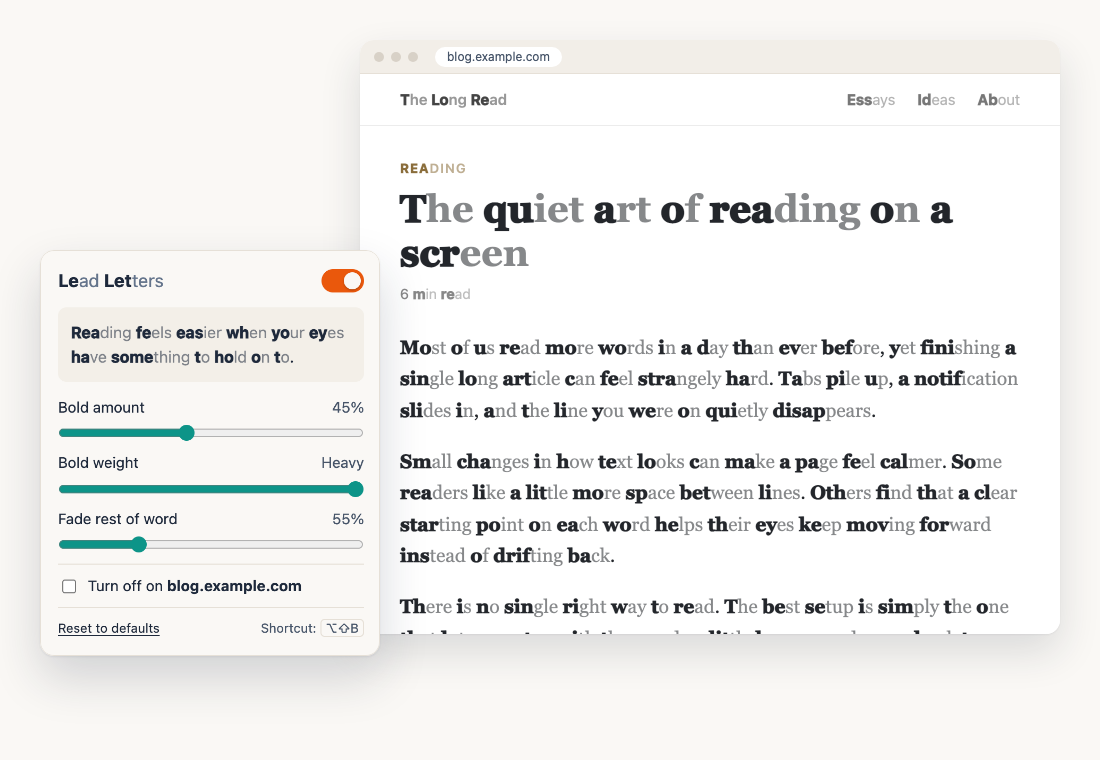
Adjust it until it feels right

The preview updates as you drag, and every open tab follows. Defaults are gentle: 30% bold with a soft fade.

The settings popup with sliders for bold amount, bold weight and fade, next to an article using those settings.
English, Thai, Japanese and Spanish sentences, each with the start of every word in bold.

Built for every script

Splitting words at spaces doesn’t work for Thai or Japanese. Lead Letters uses your browser’s built-in language rules, so every script is split into real words.

An honest note

Studies have not shown that this style of reading makes typical readers faster (Snell, 2024; eye-tracking study, 2025), and no controlled study has tested it with ADHD readers yet.

What many people report is comfort: it feels easier to keep their place and stay with a long article. That varies from person to person, so try it for a few days, tune the settings, and keep it only if it helps you.

Lead Letters is a reading aid, not a medical treatment.

Private by design

Everything happens on your device. Lead Letters has no servers, so there is nowhere for your data to go.

No data collected

No accounts, no analytics, no tracking.

No network requests

The extension never contacts a server, so it works offline too.

Minimal access

Chrome asks to let it “read and change data on all websites”. That access is only used to restyle the text you see.

Read the privacy policy

Free, with no ads or upsells

If Lead Letters helps you read, you can support its development with a coffee.

Buy me a coffee